Prompt · 作者评论区回复
残缺老照片修复重建
让模型扮演专业修图师,分 8 条写清:补全缺失部位、锁定面部身份、去划痕裂纹污渍、参考可见部分自然重建、恢复清晰度与曝光、保留原构图、避免塑料皮肤,黑白或棕褐照片默认保留原色调,最后强调不重新诠释、忠实优先
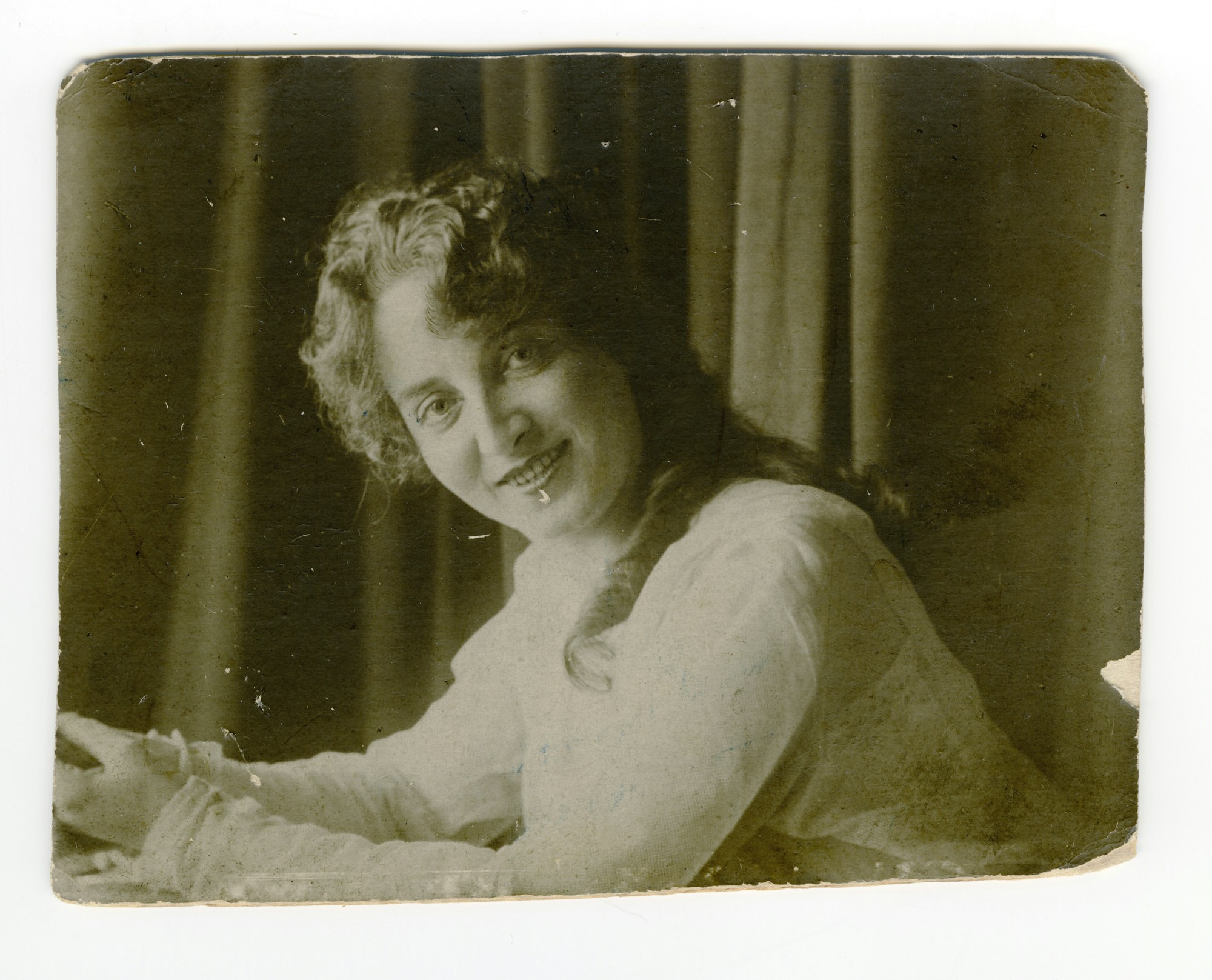
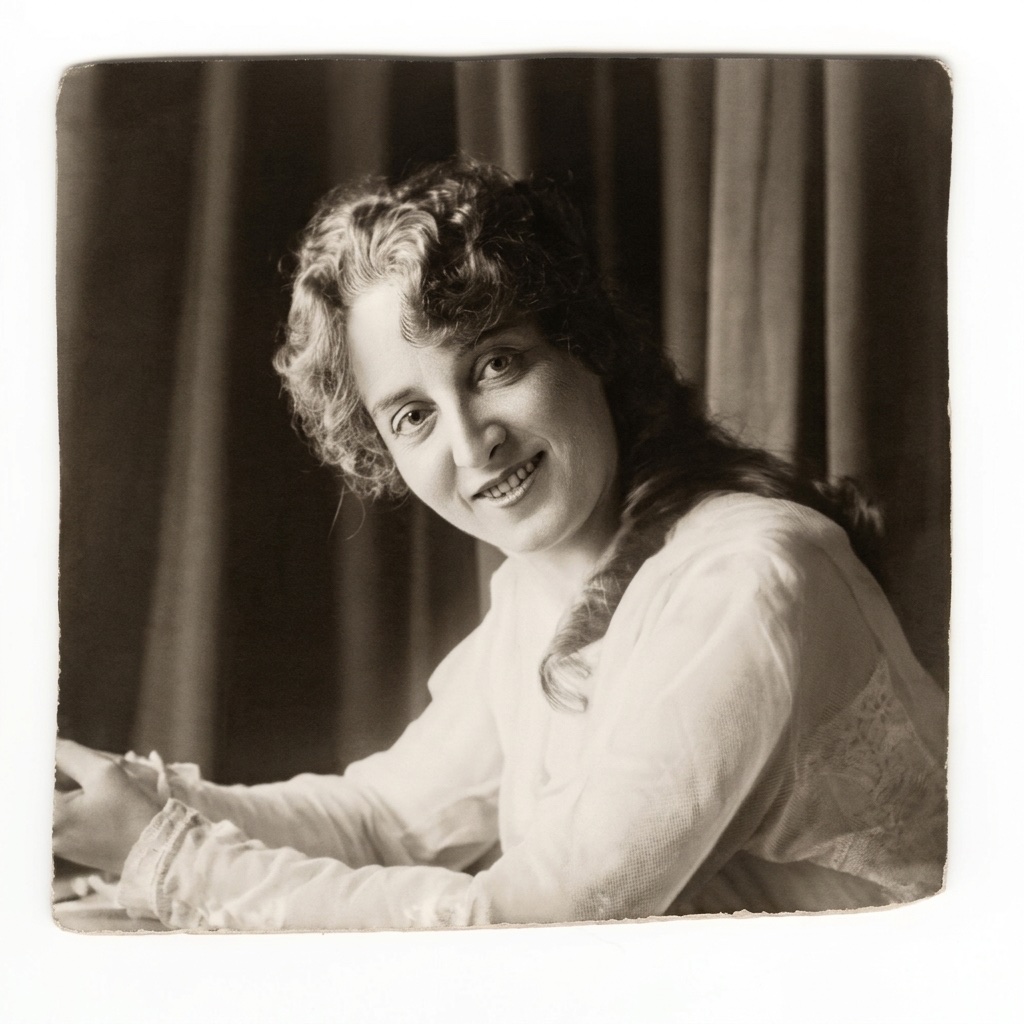
Prompt English
PROMPT: Restore and Reconstruct a Damaged Old Photograph

Act as a professional photo restoration expert. Carefully restore the uploaded old photograph to its original appearance.

Follow these instructions:

1. Restore Missing Parts: Reconstruct missing areas of the photograph naturally, including missing facial features, hair, ears, clothing, shoulders, background, and other damaged sections.

2. Preserve Facial Identity: Maintain the person's exact facial identity, facial structure, skin tone, eye shape, nose, lips, hairstyle, age, and natural expression. Do not change or redesign the face.

3. Repair Damage: Remove scratches, cracks, tears, stains, dust, faded spots, creases, and other physical damage.

4. Reconstruct Naturally: Use the visible parts of the photograph as references to intelligently rebuild missing details. Ensure reconstructed areas blend seamlessly with the original photograph.

5. Improve Image Quality: Restore sharpness, contrast, lighting, exposure, and fine details while maintaining a realistic photographic appearance.

6. Preserve Original Composition: Keep the original pose, clothing, camera angle, body proportions, framing, and background wherever possible.

7. Natural Skin Texture: Avoid plastic-looking skin, excessive smoothing, artificial facial details, or beauty filters.

8. Color Restoration: If the original photograph is black and white or sepia, preserve its original photographic style unless natural colorization is requested.

FINAL RESULT:
Produce a clean, realistic, high-resolution restored photograph that looks as close as possible to the original undamaged image.

IMPORTANT: Do not create a new person or reinterpret the photograph. Do not change the subject's identity. Prioritize historical accuracy and faithful restoration over artistic enhancement.
来源说明
原帖只有一句介绍和图,prompt 取自作者自己的回复(2121212643310518379),逐字未改,开头的标题行「PROMPT: Restore and Reconstruct a Damaged Old Photograph」一并保留。这里用 Unsplash 上一张边缘磨损、褪色泛黄的旧人像照片作为待修复的上传照片。